





7 Mistakes You're Making with Remote Voice Over Recording (and How to Fix Them)
Updated: Feb 3
Let's be honest: remote recording has become the backbone of our industry. Whether you're a seasoned voice actor working from your home studio or a production pro managing talent across different time zones, we've all had those sessions where everything that could go wrong, did.
I've been on both sides of the glass for years, and I've seen (and made) every mistake in the book. The good news? Most of these problems are totally fixable with some simple adjustments. Let me walk you through the seven biggest mistakes I see creatives making with remote voice over recording, plus the practical fixes that'll save your next session.
1. Recording in a Noisy Environment
This one's a killer, and it's more common than you'd think. Your brain is amazing at filtering out background noise: that hum from your HVAC system, the neighbor's dog, or that delivery truck idling outside. But your microphone? Not so much. It picks up everything.
I can't tell you how many times I've been in a session where we're getting great performances, only to discover later that there's a constant low-frequency hum throughout the entire recording. It's heartbreaking, especially when the performance was perfect.
Here's what you need to do:
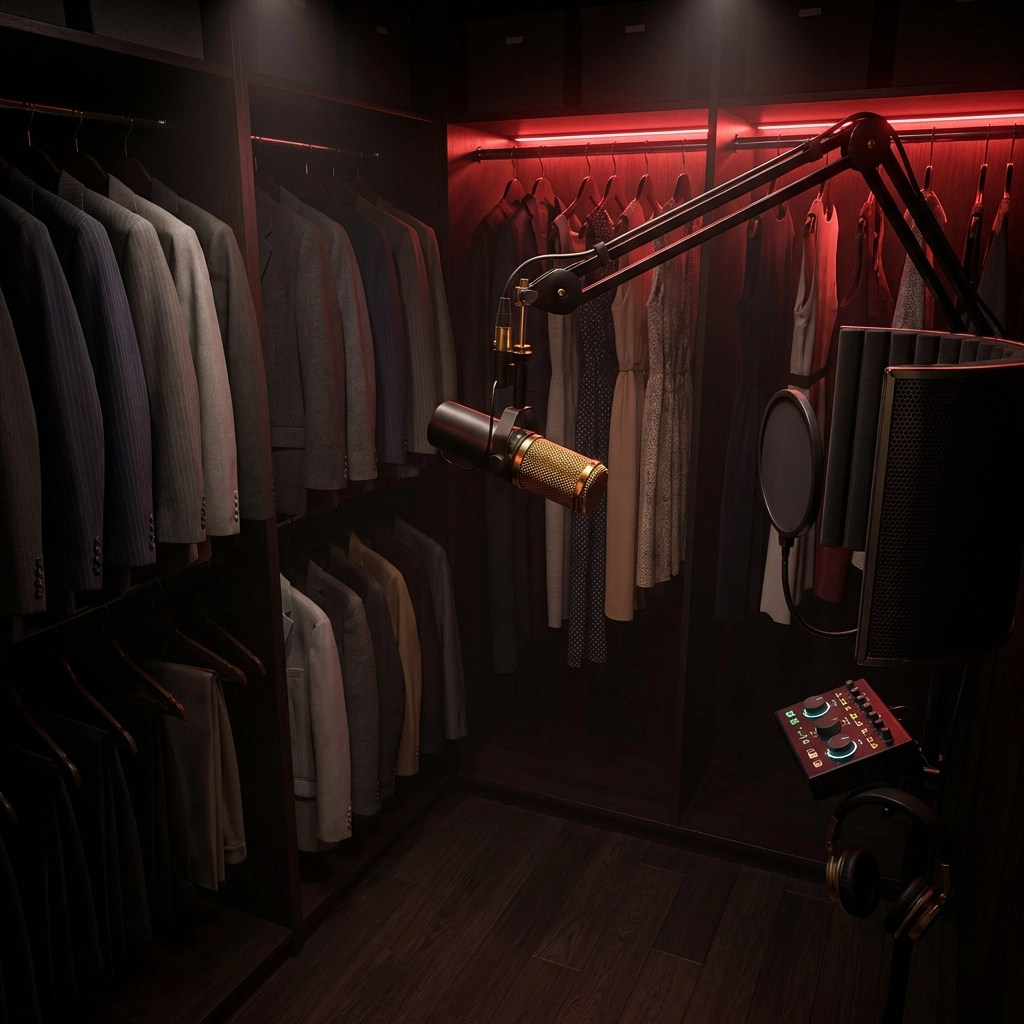
Start with your space. That walk-in closet filled with clothes? It's probably your best bet for a recording booth. Seriously. All those soft fabrics absorb sound reflections naturally.
Before you hit record, turn off everything you can. HVAC systems are notorious for creating background noise that you won't notice until playback. Same goes for refrigerators, computers with loud fans, and any other appliances that hum or buzz.
If you're investing in gear, consider a dynamic microphone over a condenser. Dynamic mics are way less sensitive to background noise and focus on what's right in front of them: your voice.
2. Using Wi-Fi Instead of a Wired Connection
I get it: wireless is convenient. But when you're dealing with professional audio production services and real-time direction, Wi-Fi can be your worst enemy. There's nothing worse than being in the middle of a perfect take and having the connection drop or develop latency issues.
The fix is simple but not always convenient:
Run an ethernet cable if at all possible. I know it's not the prettiest solution, but it's reliable. If you absolutely must use Wi-Fi, get as close to your router as possible and use the 5GHz band instead of 2.4GHz.
Better yet, use recording software that captures locally first, then uploads. This way, even if your connection hiccups, you're not losing the actual audio. Your clients will thank you for this one.
3. Poor Microphone Placement
This mistake drives me crazy because it's so easy to fix, yet I see it constantly. Too close to the mic, and you're getting distortion and those dreaded plosive pops on your P's and B's. Too far away, and you sound like you're calling from another room.
Finding your sweet spot takes about two minutes:
Do a quick test recording at different distances. Start about 6 inches away and move closer or further until you find that spot where your voice sounds full and present without any distortion or room echo.
Once you find it, mark it somehow: tape on the floor, a note on your music stand, whatever works. Consistency is key, especially for commercial voice over work where the client expects the same sound quality throughout the project.
4. Not Wearing Headphones
This seems like such a basic thing, but you'd be surprised how many people try to monitor through speakers during a remote session. The result? Your microphone picks up the playback audio, creating feedback loops and echo that make your recording unusable.
The solution couldn't be simpler:
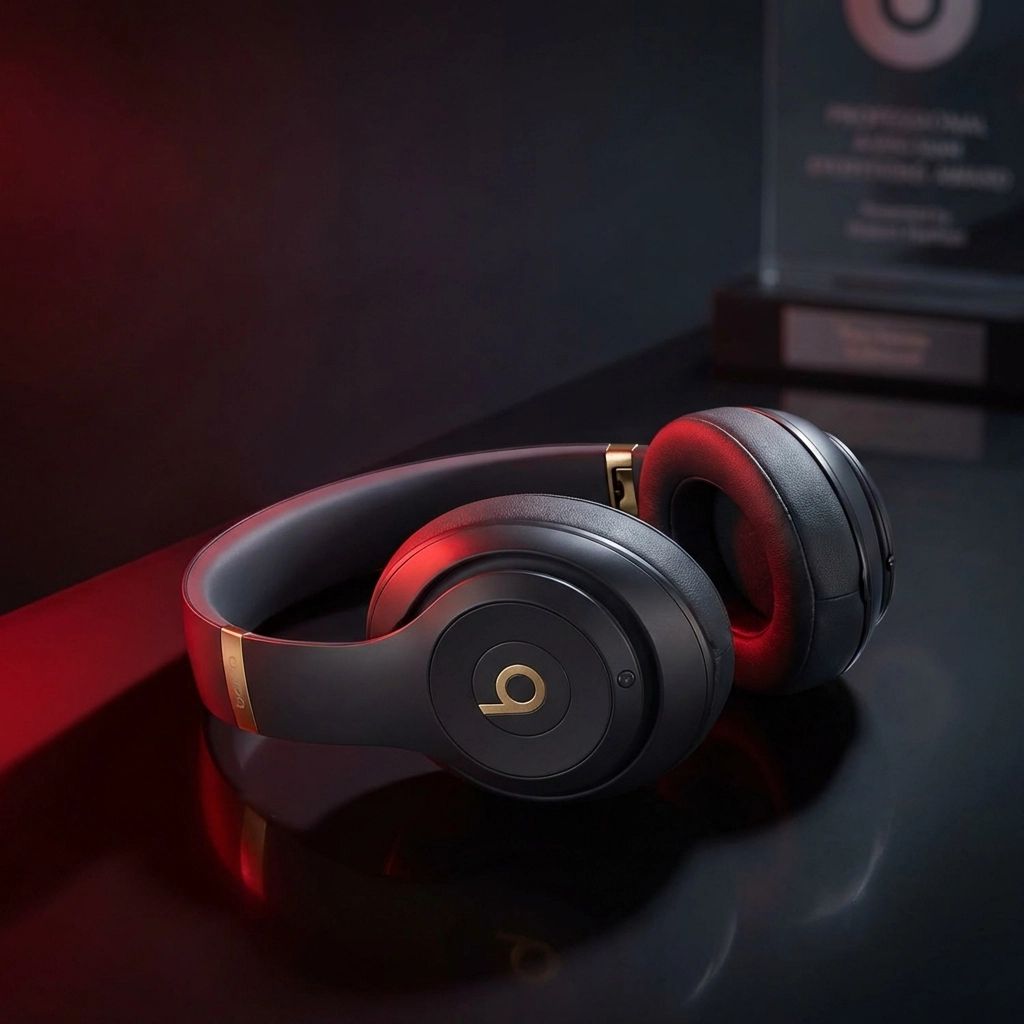
Wear headphones. Period. Even basic earbuds will prevent audio bleed. But if you're serious about your craft, invest in a decent pair of closed-back headphones. They'll give you better sound isolation and help you monitor your performance more accurately.
You'll also catch issues in real-time: like if your levels are too hot or if there's an unexpected noise in your environment.
5. Recording at Improper Levels
Audio levels are like the foundation of a house: get them wrong, and everything else falls apart. Too hot, and you're clipping and distorting. Too quiet, and you're fighting noise when you try to bring the levels up later.
I see this mistake most often with newer voice actors who haven't quite figured out gain staging yet. They either whisper into the mic or belt out their lines like they're trying to reach the back row of a theater.
Here's your target:
Aim for peaks around -6 dB on your recording meter. This gives you plenty of headroom to work with while keeping your signal strong and clean.
Always do a test recording before the actual session. Have a conversation with your director, read through a few lines at normal performance level, and adjust your input gain accordingly. Don't rely on turning up your mic technique: set proper levels at the source.
6. Ignoring Room Acoustics and Echo
Room acoustics can make or break your recording, and it's often the difference between amateur and professional-sounding voice over services. That big, empty room with hardwood floors and high ceilings might look great, but it's going to make your voice sound distant and muddy.
Here's how to tame your room:
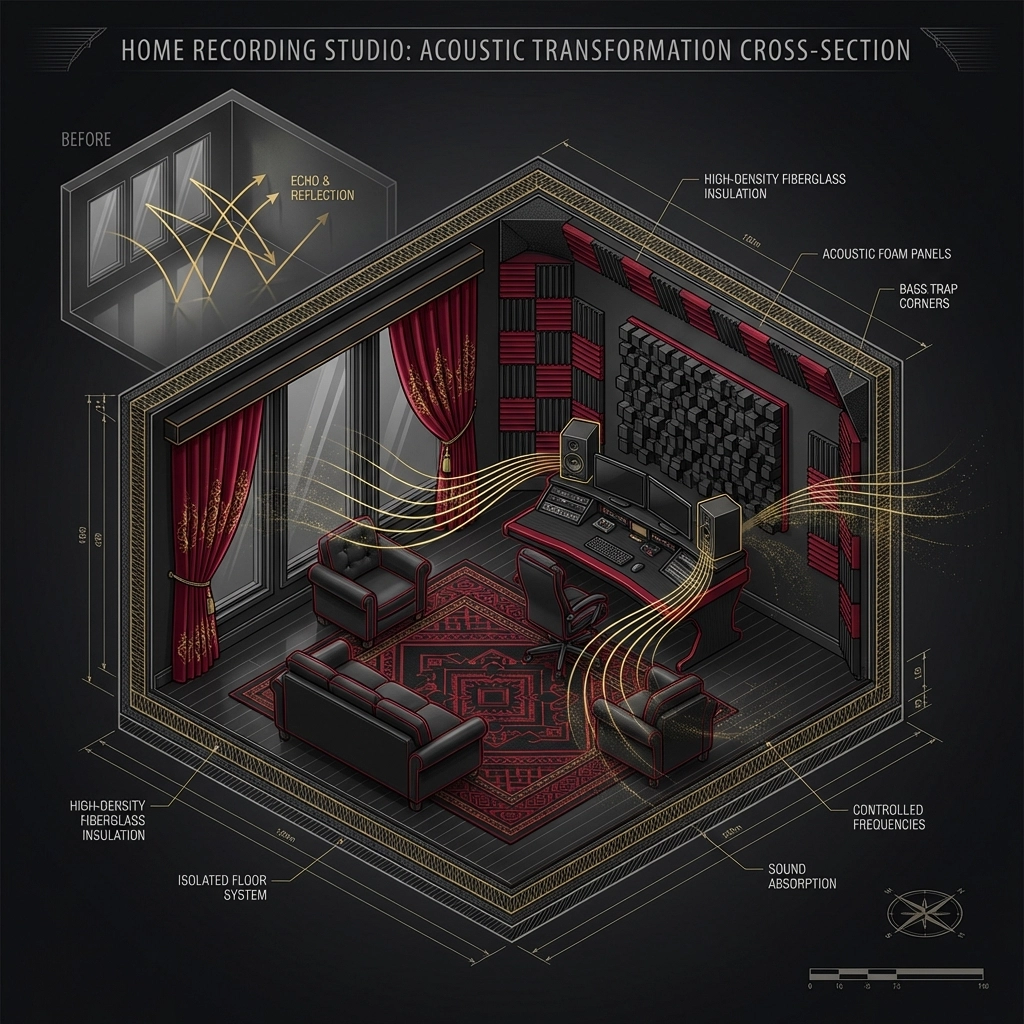
Look for spaces with natural sound absorption. Carpeted rooms with furniture, curtains, and soft furnishings work well. If you're stuck with a less-than-ideal space, get creative with acoustic treatment.
You don't need to spend thousands on professional acoustic panels. Moving blankets, thick rugs, even strategically placed pillows can help absorb unwanted reflections. The goal is to eliminate that hollow, echoey sound that screams "recorded in a bathroom."
7. Letting Cell Phones and Electronics Interfere
This one's sneaky because the interference isn't always obvious until you're in post-production. Cell phones can cause interference even when they're on silent, especially if you get a call or text during recording. That digital buzzing or clicking sound is a nightmare to remove.
Prevention is way easier than the cure:
Put your phone in airplane mode or, better yet, leave it in another room entirely. The same goes for other wireless devices, Bluetooth speakers, smart watches: anything that transmits a signal.
If you're using a computer for recording, make sure it's not doing background updates or running resource-heavy applications that might cause the fans to kick in mid-session.
Making Remote Recording Work for You
Look, remote recording isn't going anywhere. If anything, it's becoming the standard for most voice over work. The key is treating it with the same professionalism you'd bring to a traditional studio session.
These mistakes are totally fixable, and most of them come down to preparation and attention to detail. Take a few extra minutes before each session to check your environment, test your levels, and make sure everything's dialed in correctly.
Your clients will notice the difference, and you'll save yourself hours of frustration in post-production trying to fix problems that could have been prevented from the start.
Want to work with a team that understands the ins and outs of professional remote recording? We've been perfecting these techniques for years, and we'd love to help bring your next project to life. Get in touch and let's make something great together.

Comments